01
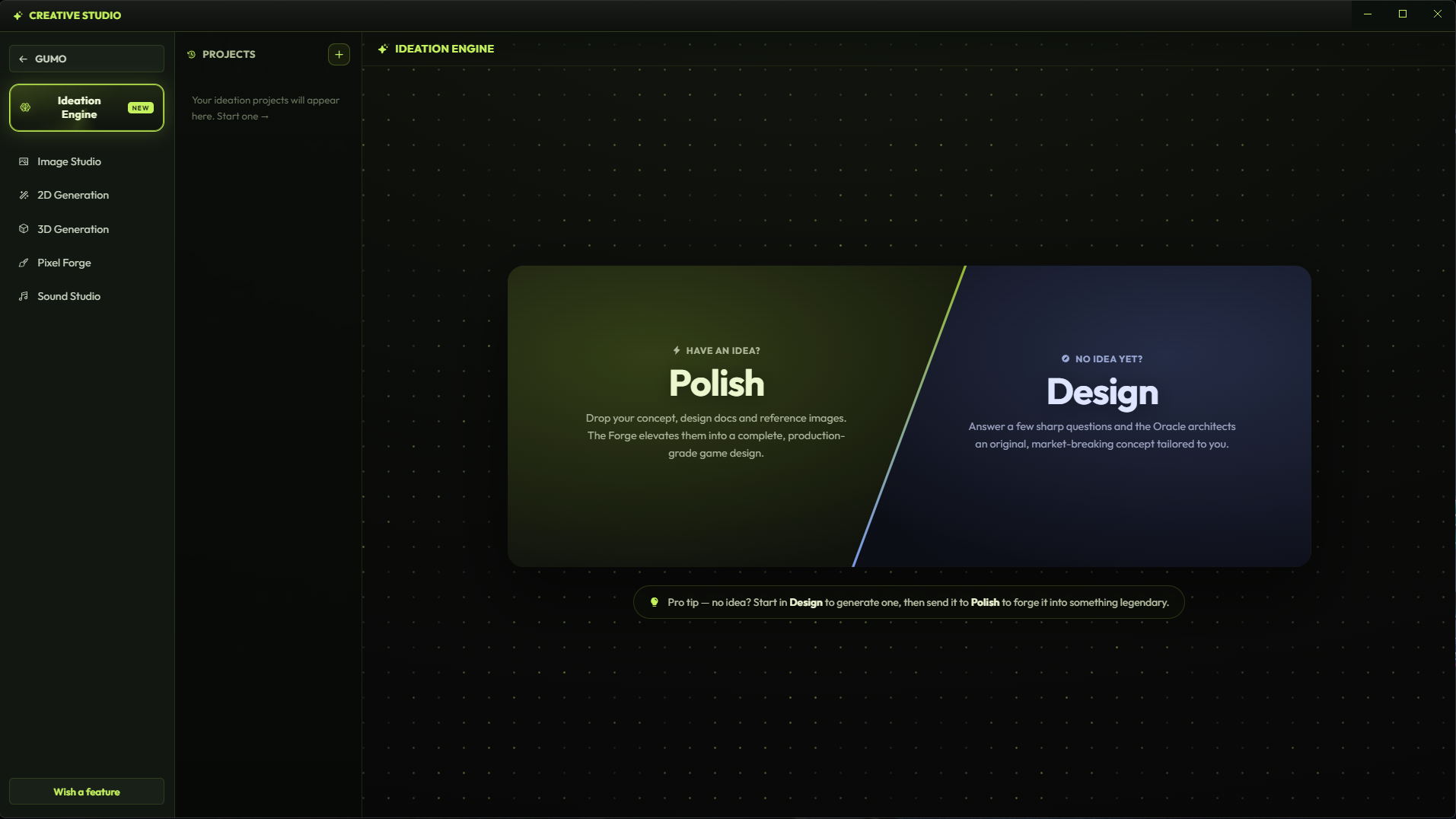
Generate or polish the idea.
Use the Ideation Engine to create a new concept from questions, or polish an existing idea into a structured game design direction.
GUMO is a desktop studio for fast game iteration: ideation, prompts, true pixel art, 2D animation, assets, audio, and an agent that can work inside Unity, Godot, or Roblox.
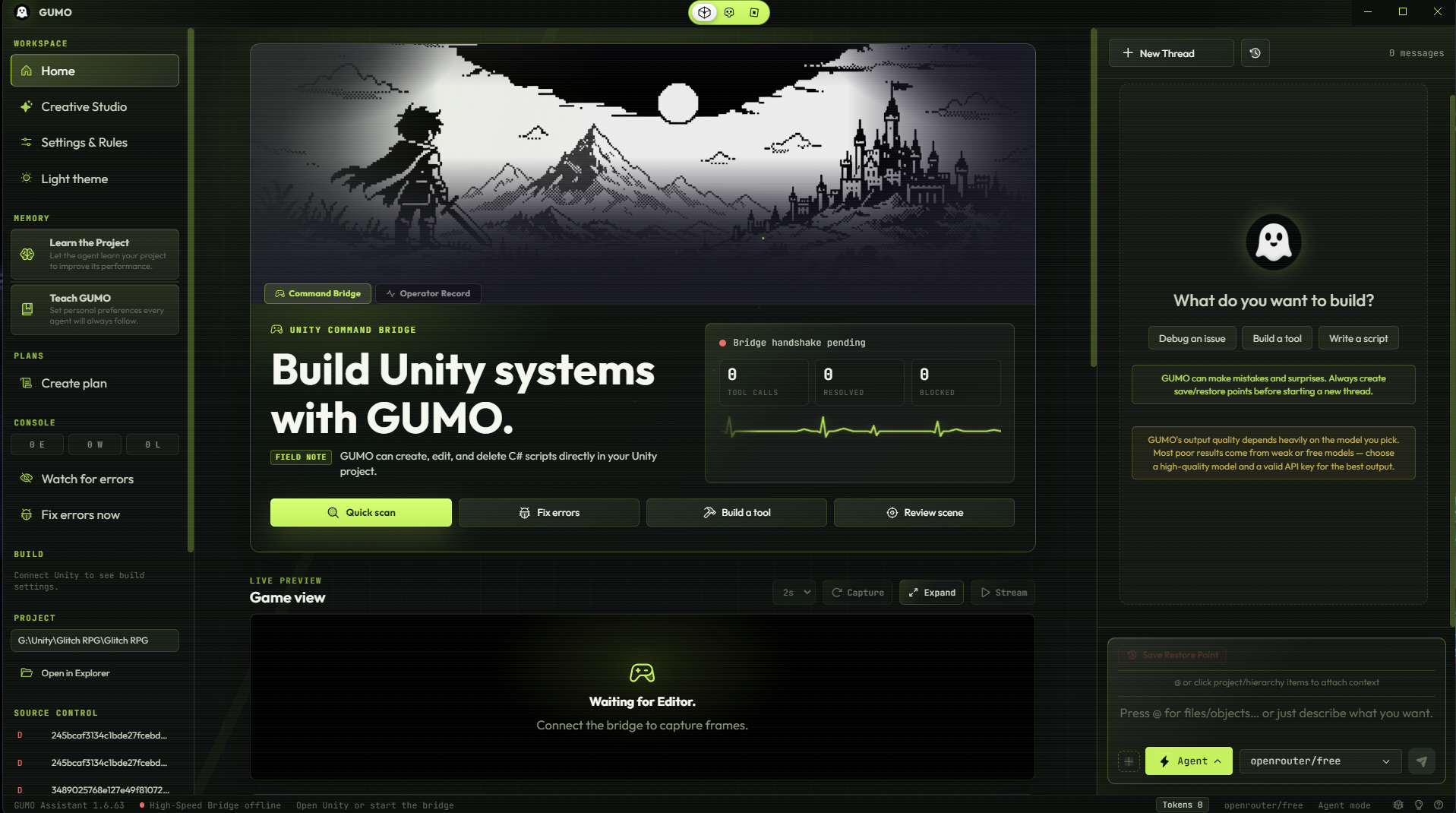
The workflow is built as a hierarchy: ideation first, then prompts and blueprints, then the right studio for the asset, then engine handoff, then the agent wires it into your project.
Use the Ideation Engine to create a new concept from questions, or polish an existing idea into a structured game design direction.
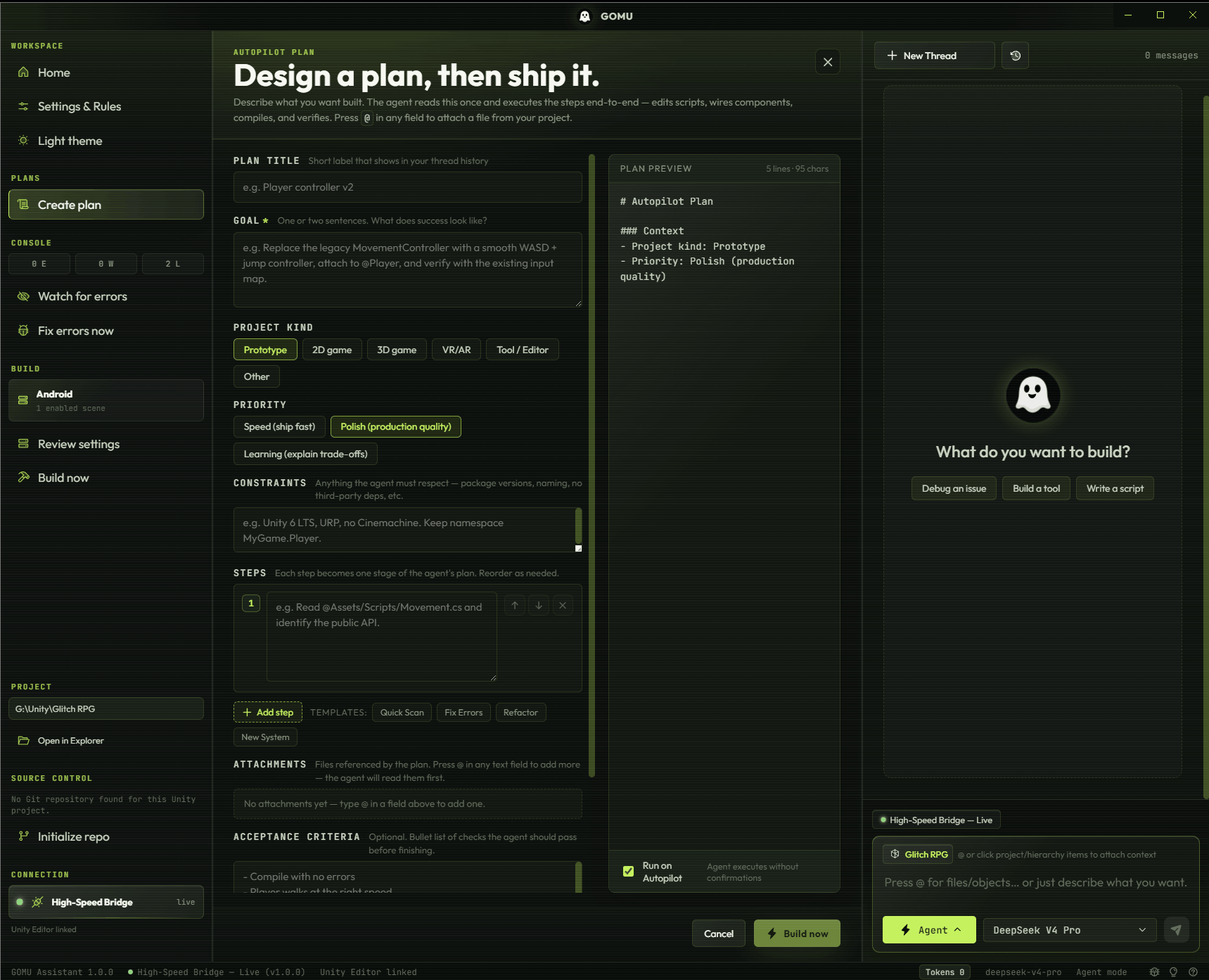
GUMO breaks the idea into prompts the agent can execute: systems, scenes, assets, acceptance checks, and the next focused task.
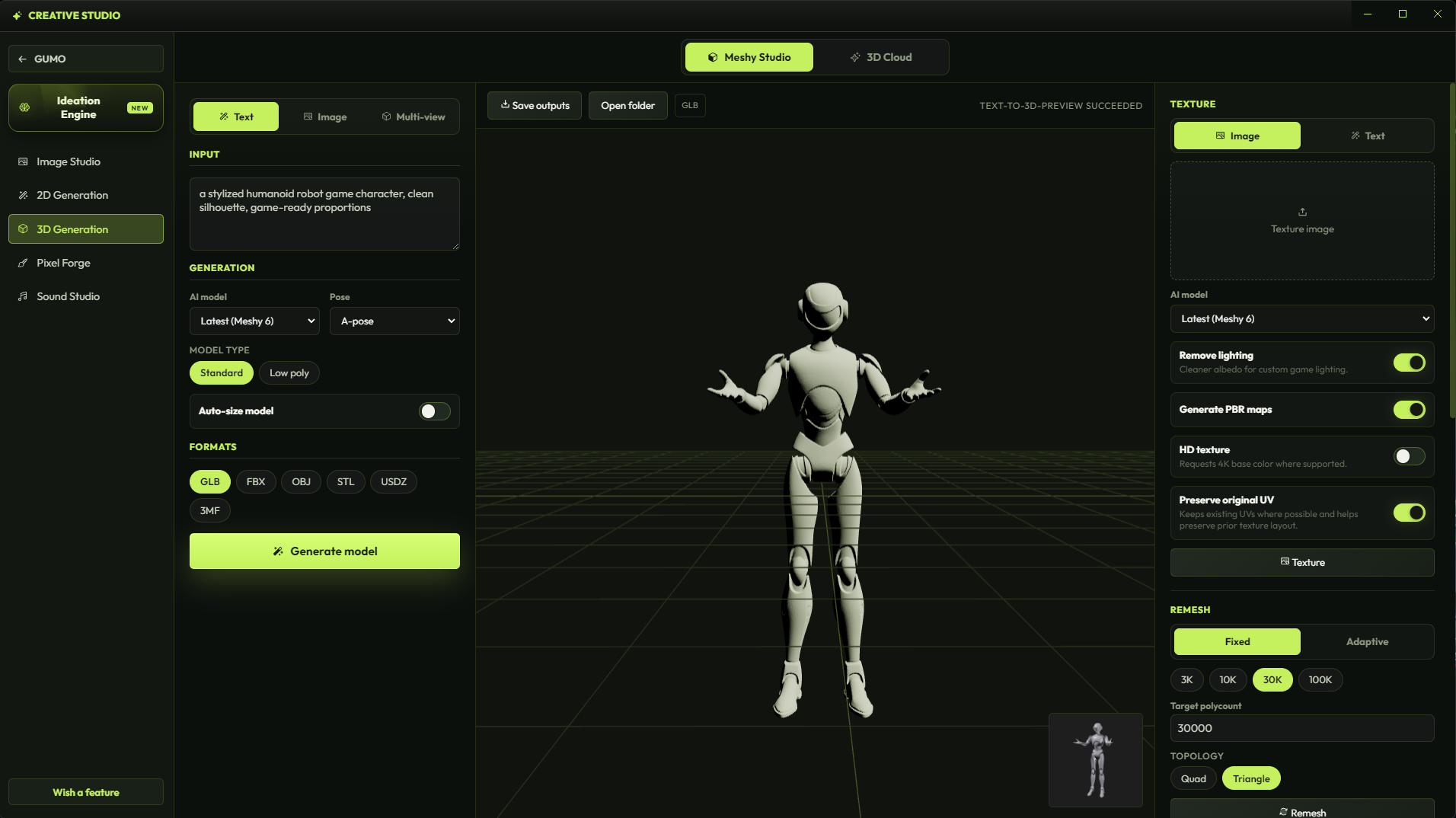
Route the prompt into 2D, 3D, pixel, material, tile, or sound studios. The goal is not a pretty dead asset, it is something the game can use.
A reference image can become a true pixel-art sprite sheet, ready to edit in Pixel Studio and hand to the engine.
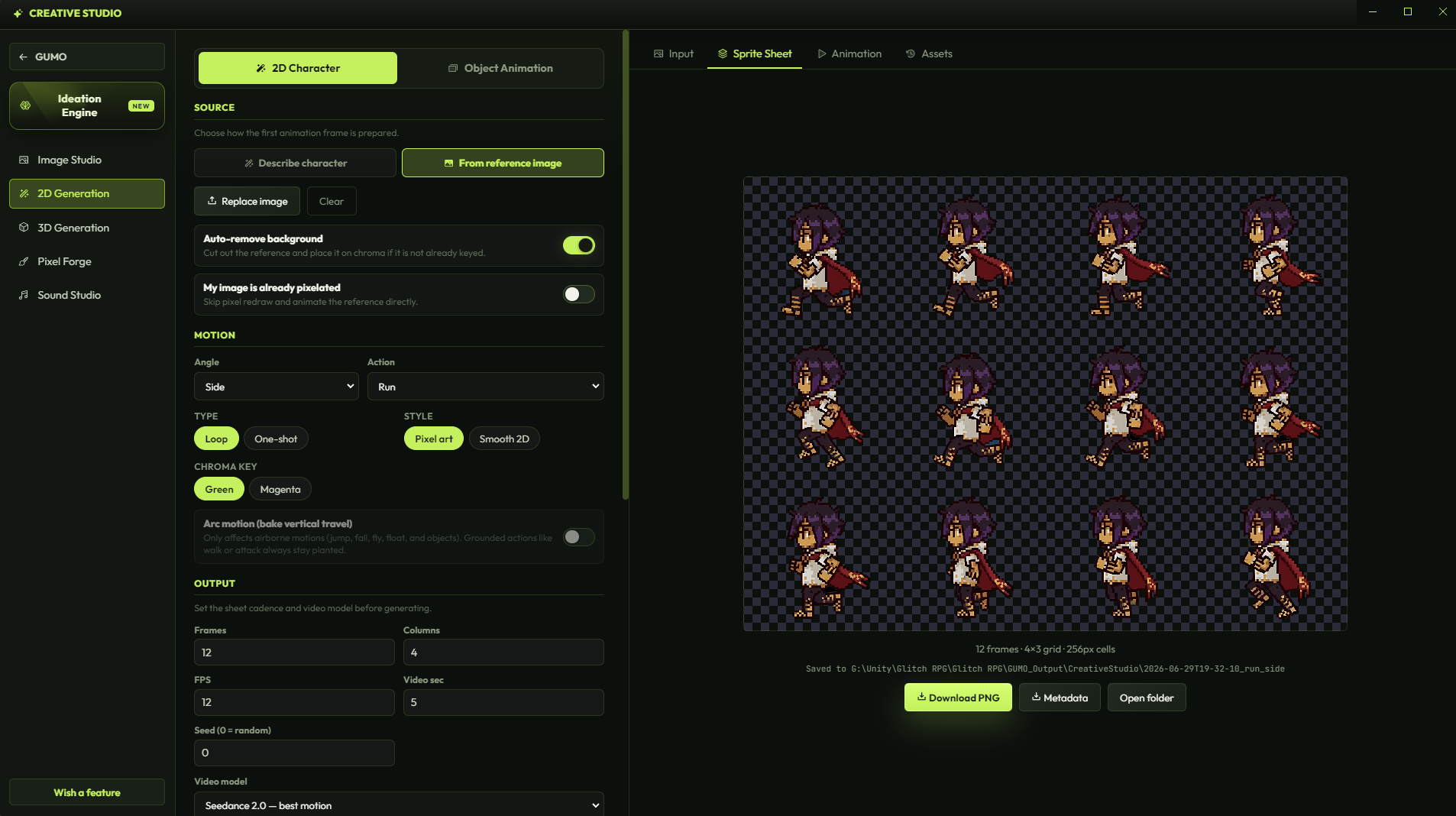
Choose Unity, Godot, or Roblox. Give the agent the blueprint, the asset, and the next instruction. It wires the work into the project loop.
GUMO turns character references into animated sprite sheets that remain true pixel art: clean grids, locked palettes, editable frames, and engine-ready output.
GUMO supports three different game creation environments with a click of a button. Each mode changes the agent context, bridge workflow, terminology, and guardrails.
Inspect scenes, patch C# scripts, read console state, capture game view frames, and iterate inside the Unity Editor loop.
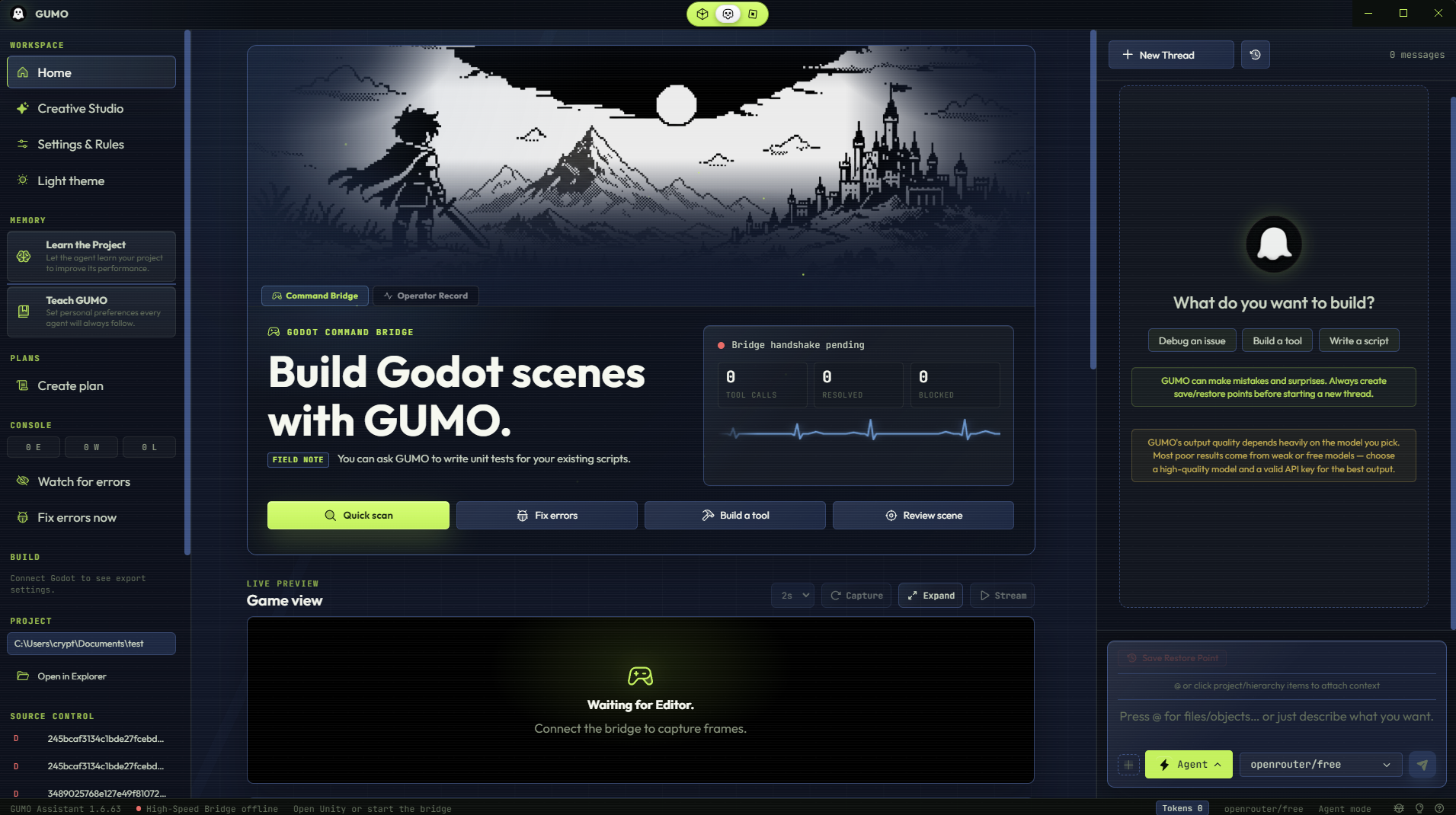
Use Godot-native language, project structure, node vocabulary, and live editor checks through the GUMO bridge addon.
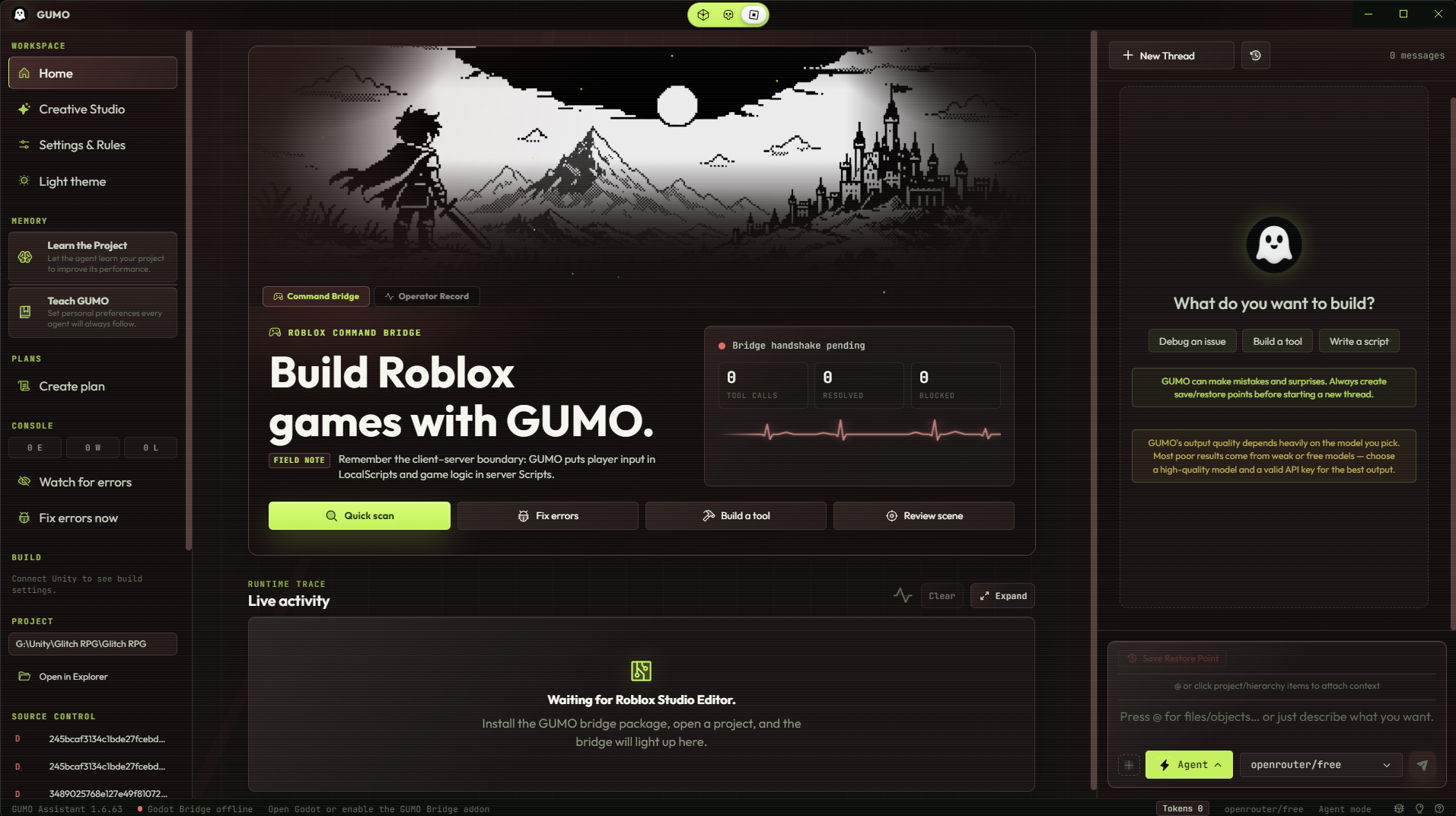
Drive Roblox Studio through MCP tools, reason about Luau, services, Instances, client-server boundaries, and playtest-ready scripts.
GUMO brings ideation, image, 2D, 3D, pixel, tile, material, and sound workflows into the same desktop surface as the agent. The studios generate assets the agent can actually use.
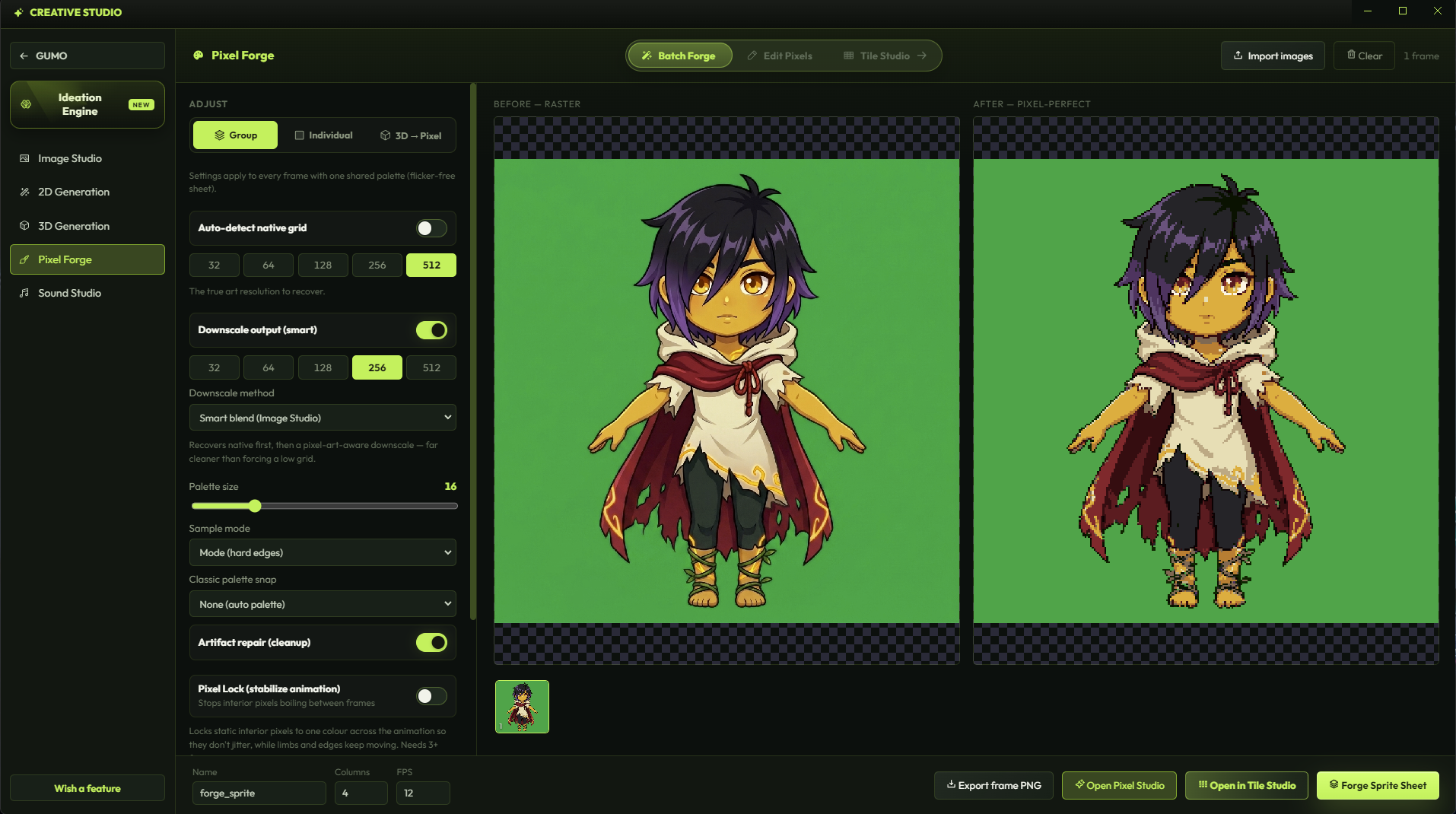
Recover a true grid, lock a palette, and downscale art into real editable pixels instead of a blurry raster imitation.
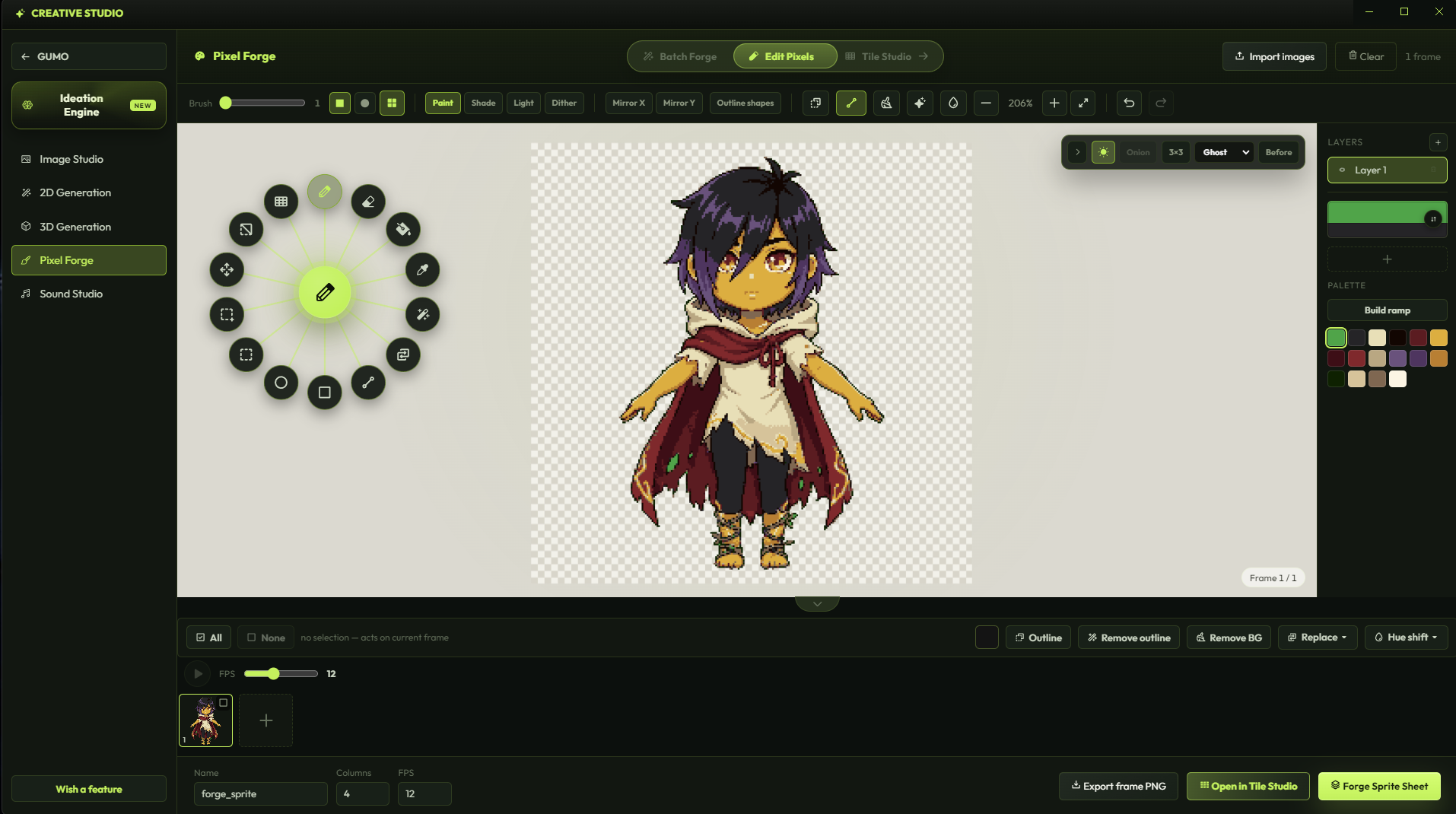
Edit the generated frames directly, then keep the same asset pipeline alive.
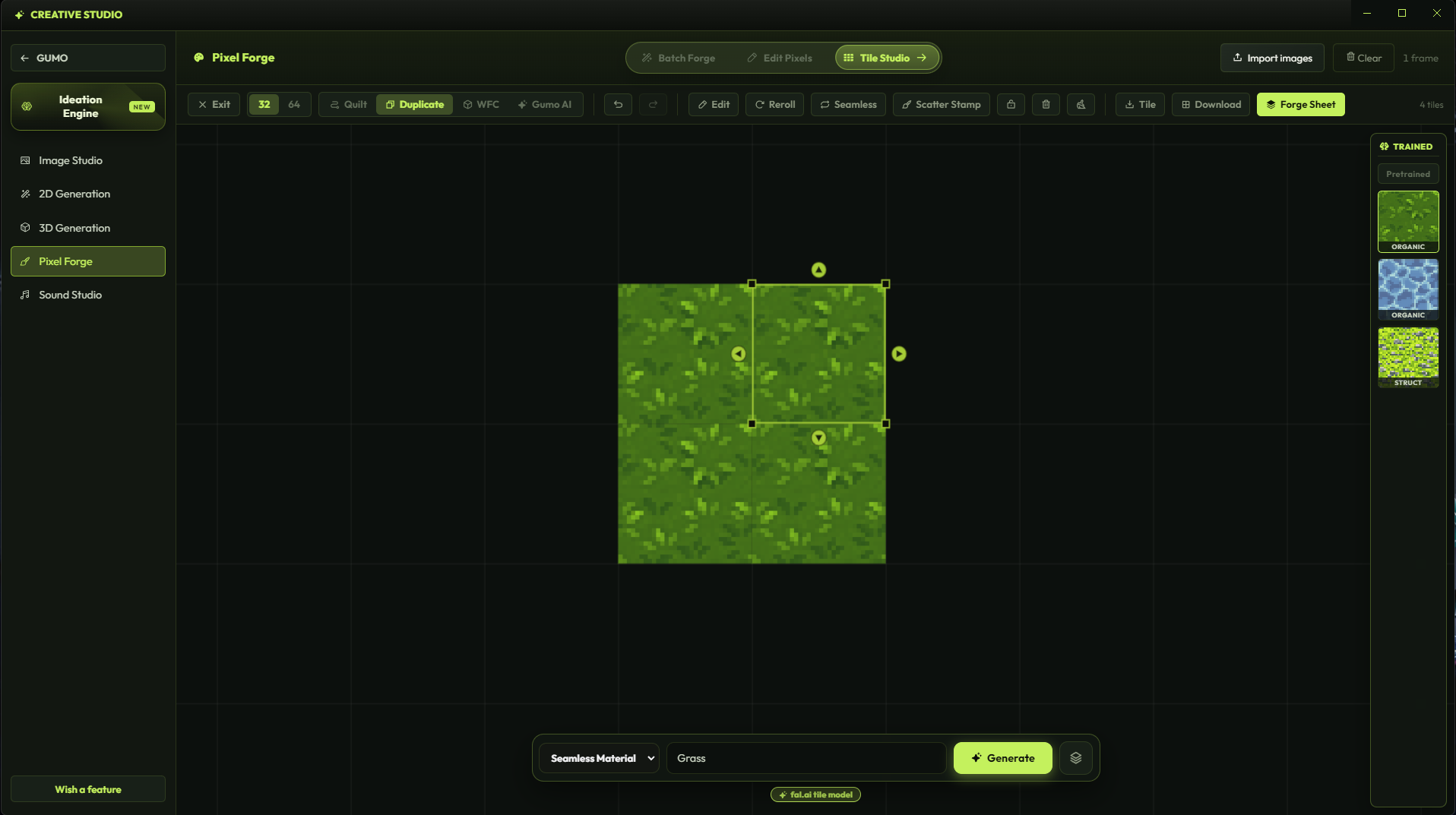
Grow tile sets from an existing tile, create neighboring pieces, and keep seams under control.
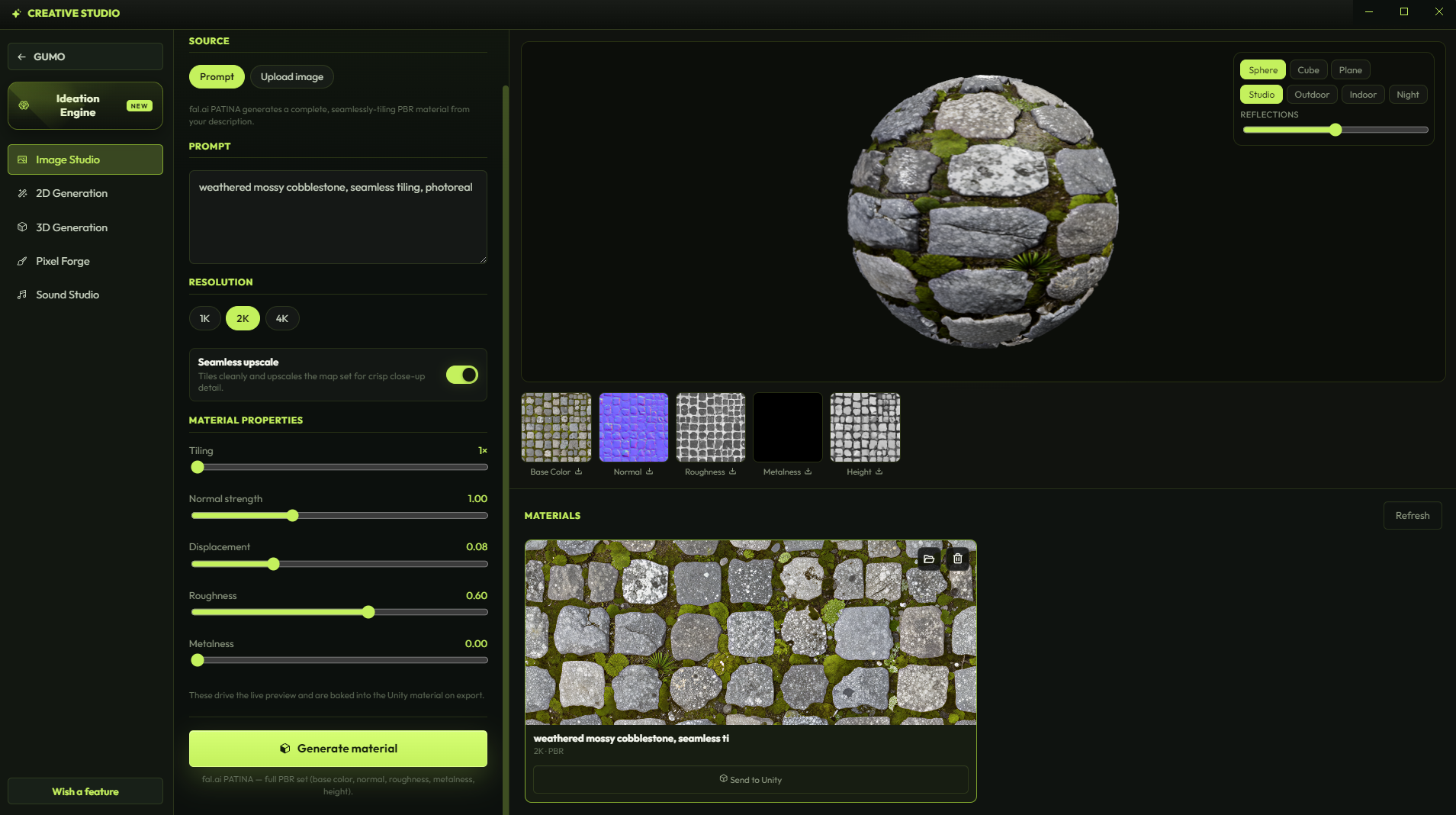
Generate game-ready surfaces and route them into pixel or 3D workflows when the scene needs texture.
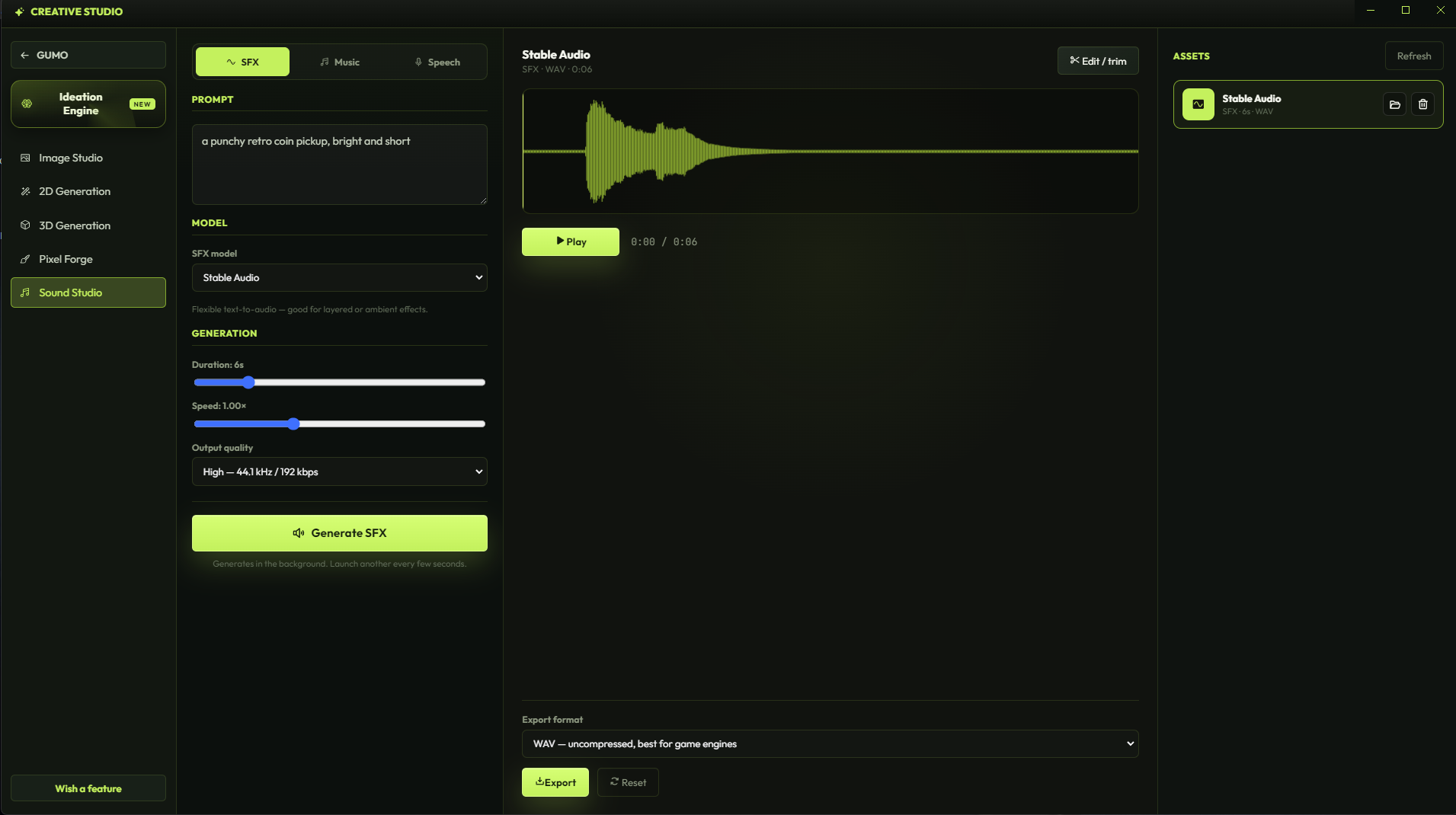
Add sound effects, music, and audio ideas to prototypes that would otherwise stay silent.
Generate animated frames, export metadata, and send motion into the engine.
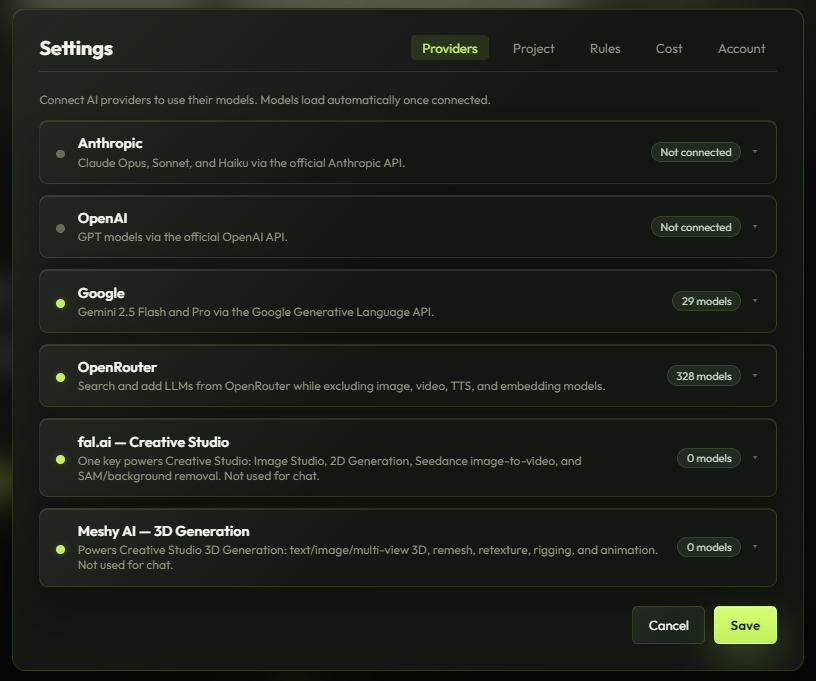
GUMO does not hide a token bundle inside the subscription. Bring the providers you trust, route through OpenRouter, and pick the model that matches the task.
GUMO is built for creators working with unfinished ideas, reference art, game files, and private projects. We do not sell, resell, or package your work as a GUMO data product.
Your images, sprites, project files, prompts, and chats are not sold, resold, or repurposed by GUMO.
Your work stays on your computer unless you intentionally send it to a model, generation, or storage provider you configured.
We use minimal anonymous app-usage moderation tied to user IDs to reduce abuse and bot attacks, not to read your creative work.
The subscription unlocks the desktop IDE, agent workflows, engine modes, and studios. Your model provider spend stays separate and under your control.
Every new account gets full GUMO Pro access for 3 days, no credit card to begin.
Use OpenAI, Anthropic, Google, OpenRouter, fal.ai, Meshy, or other configured providers.
The crossed-out prices show planned post-beta pricing before the launch discount.
GUMO is not advertised as a one-click finished game machine. It is an assistant for faster iteration, stronger prototypes, and production work when the user knows how to guide it with the right model and checks.
No. The best workflow is incremental: plan a focused improvement, let GUMO implement it, verify in the engine, then continue. Used well, it can support production-ready work, but it is still an assistant.
GUMO has modes for Unity, Godot, and Roblox. Each mode changes the agent instructions and bridge expectations to match that environment.
If you do not know how to get API keys for fal.ai or OpenRouter, open the chat widget at the bottom-right corner of this screen and ask us. We will walk you through the setup step by step: where to create the key, where to paste it in GUMO, and how to test it.
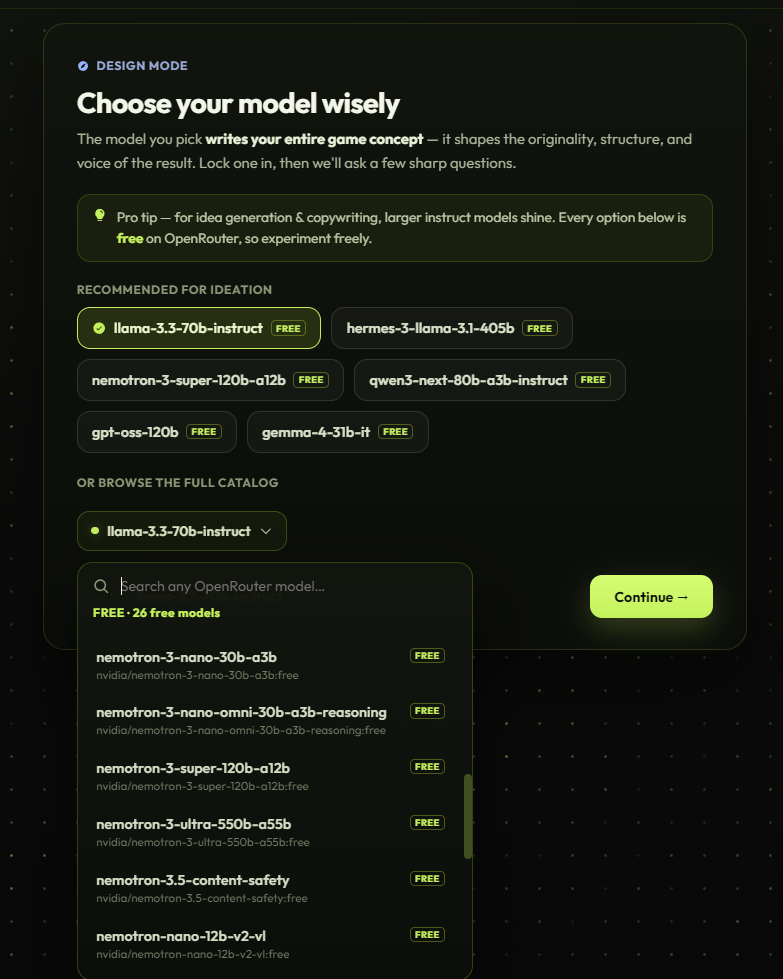
You can start with free OpenRouter model lanes when they are available. For difficult tasks, long context, and production refactors, stronger paid models usually perform better.
GUMO focuses on true pixel output: recovered grids, flattened cells, controlled palettes, editable frames, and sprite sheets that can be sent to the editor.
GUMO does not sell, resell, or repurpose your assets, prompts, project files, or chats as GUMO data. Provider-side handling depends on the external model or generation service you choose. Anonymous moderation is limited to app-usage safety and abuse prevention.
Download the Unity Bridge package installer or the Godot Bridge addon zip from the Bridges menu. For Roblox, open Roblox Studio, open Assistant, use the three-dot menu on a new chat, choose Manage MCP Servers, then enable Studio as an MCP server.
Start with a free 3-day trial, connect your preferred provider, choose Unity, Godot, or Roblox, then ask for the next playable improvement.